

Sutra before scroll

A brief Buddhist practice between you and the one app you open without thinking. Read a text or follow your breath, then decide (deliberately this time) whether you still want to go in.

Download on the App Store Get it on Google Play

Free to download. No account needed. No ads, no analytics.

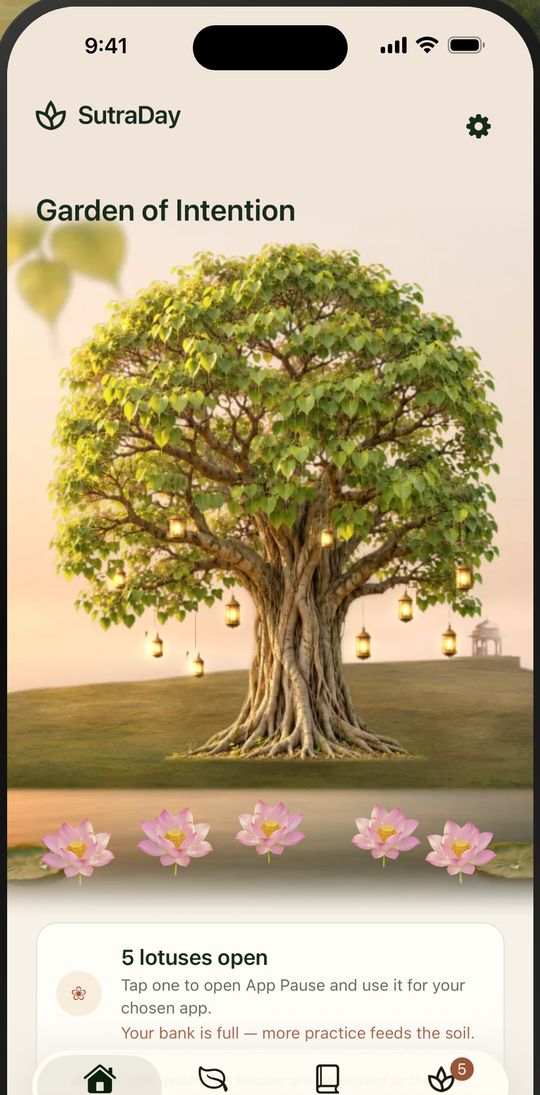
SutraDay's Garden of Intention: a bodhi tree with lotuses blooming beneath it

Three gentle steps

A practice, a mindful unlock and a dedication: a few quiet minutes that close a full practice cycle.

  1. Practice

    Say what you need today (ease anxiety, meet anger, hold grief, find focus, settle for sleep, scroll less) and choose a tradition, or Secular. SutraDay suggests a sutra, mantra or breathing practice.

  2. Mindful unlock

    Your practice has bloomed a lotus at your bodhi tree. You can spend it later to open an app you have paused; that part is optional.

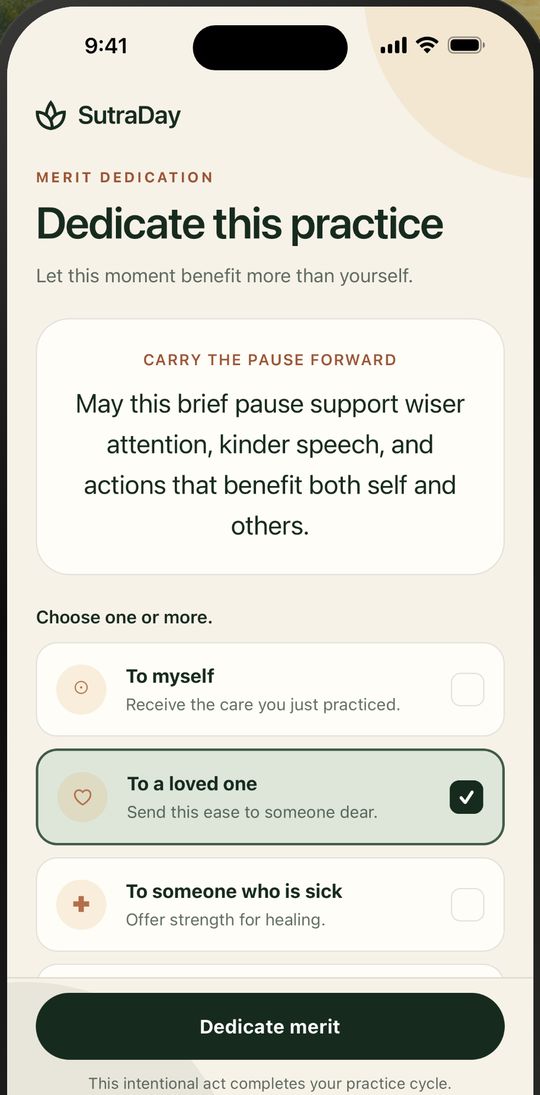
  3. Dedicate the merit

    Offer the practice to yourself, a loved one, someone who is sick, or all beings.

Your chanting book, on your phone

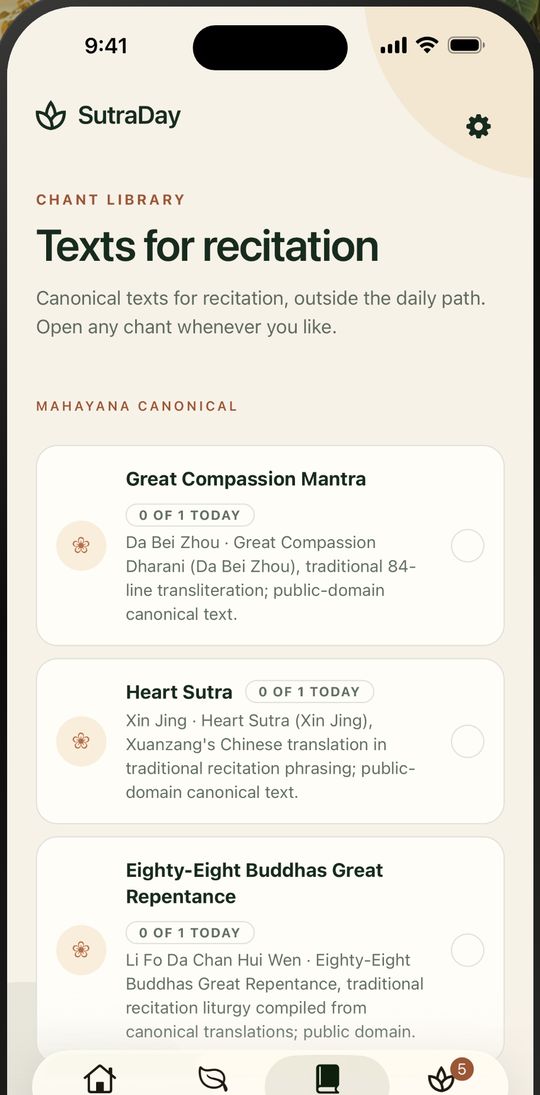
Thirty-seven canonical texts from the Mahayana, Theravada, Zen and Tibetan traditions, set the way a chanting book prints them.

  • The Heart Sutra in Xuanzang's Chinese translation, with pinyin above every character
  • The full eighty-four-line Great Compassion Dharani
  • The Metta Bhavana in Pali, the Four Great Vows in Japanese, the Seven-Line Prayer in Tibetan
  • Every text shows its source, translator, licence and editorial status, and says plainly whether it is scripture or a practice SutraDay wrote
  • A suggested daily count for each text, with a tally that starts fresh each day
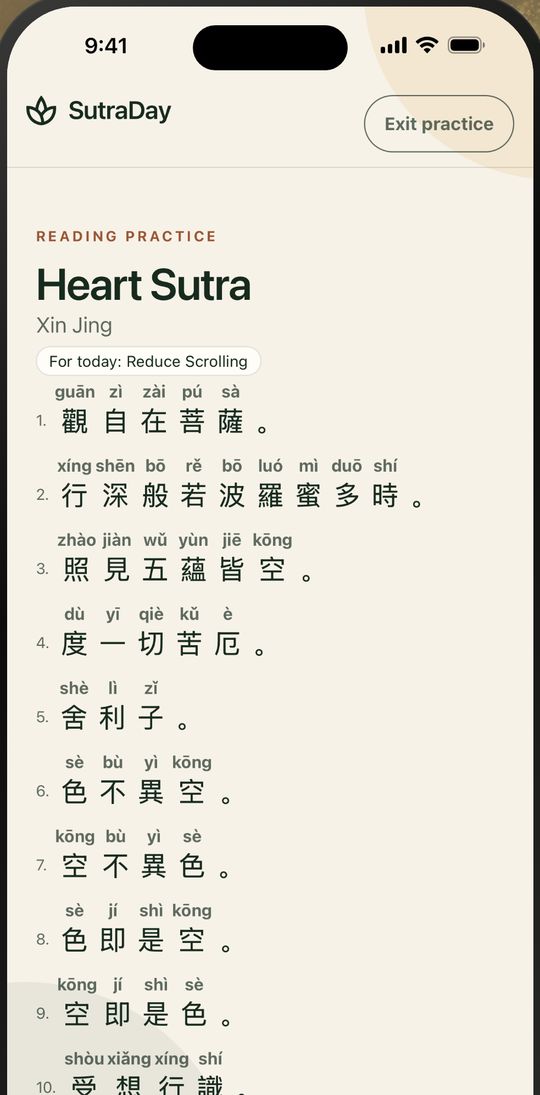
The Heart Sutra in Chinese with pinyin above each character and numbered phrases

A mindful pause before the app that pulls you

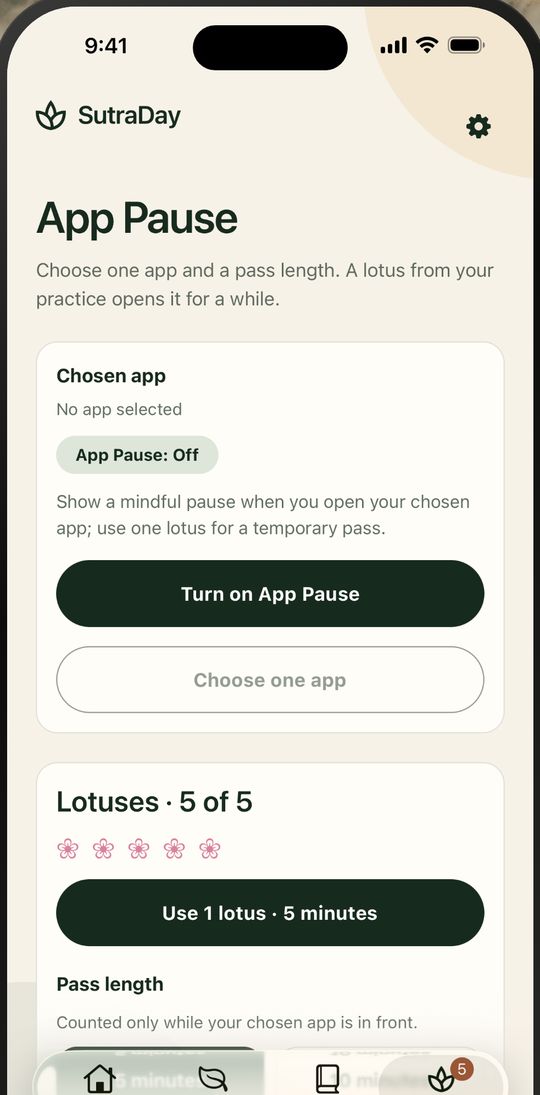
Entirely optional. Choose one app of your own; when you open it, SutraDay shows a mindful pause first.

  • Practice and you earn a lotus. Spend one on 5, 10, 30 or 60 minutes of that app, on purpose.
  • Self-applied only: SutraDay cannot watch or restrict anyone else's phone.
  • On iPhone it uses Apple's Screen Time permission, and SutraDay never sees which apps you have.
  • On Android it uses Usage Access and the "appear on top" permission to show the pause; only the app you select is saved, and nothing leaves your device.
  • Everything else in SutraDay works whether or not you ever turn it on.
The App Pause screen, where you choose one app and how many minutes to allow

Not a chart that scores you

Your bodhi tree grows with each day you practice. It remembers your practice instead of grading it.

Your practice stays yours

SutraDay works entirely on your phone. Nothing you do leaves it. On iPhone you can choose to sign in and back up.

No account needed
Open the app and begin. On iPhone, signing in is optional and only for backup.
No ads, no analytics
We don't track what you read, when you practice, or which apps you pause.
Encrypted backup
On iPhone, an optional backup we cannot read, plus a few practice totals (such as your streak and lotus count), restores your garden on a new device. Delete it in the app any time.

Read the privacy policy

Begin with one practice

Free to download on iPhone and Android. Everything on this page is free.

Download on the App Store Get it on Google Play